

RecCloud
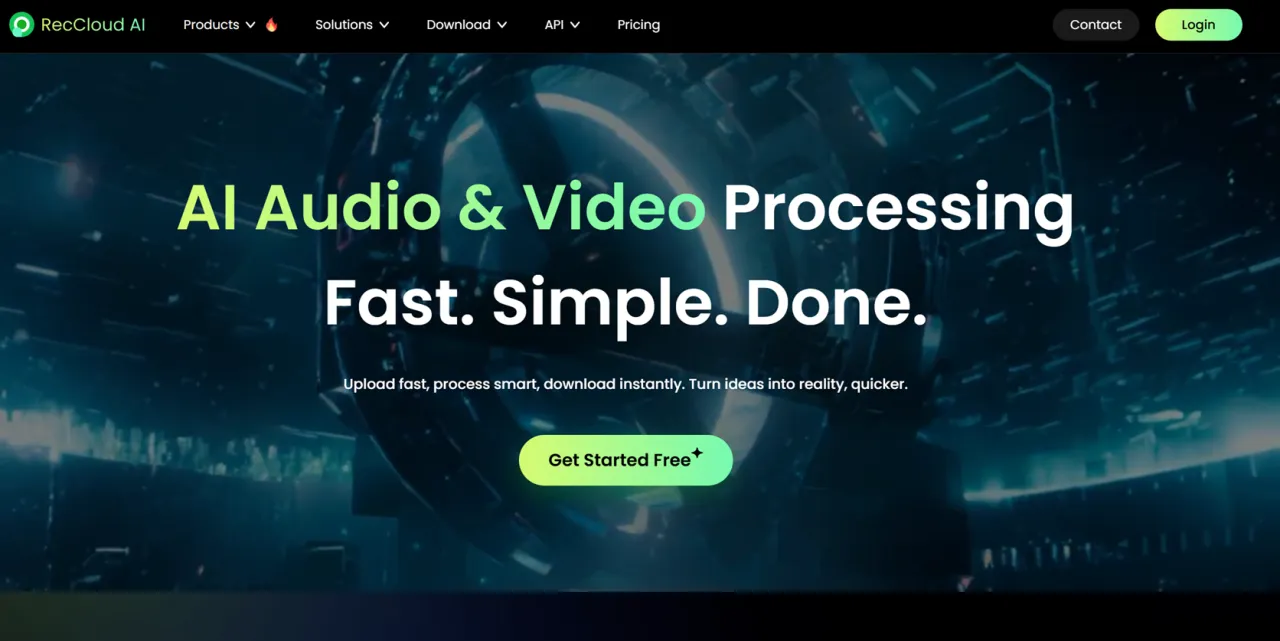
RecCloud is a browser-based set of AI tools for audio and video. It transcribes speech, creates and translates subtitles, turns text into voiceovers, summarizes long videos and YouTube links, and generates videos from text. Screen recording, trimming, cropping, merging and cloud sharing are also included. It suits students, educators, creators and small teams who want quick transcripts and captions without learning a full editor.
Is RecCloud right for you?
Best for: Students, creators, educators and small teams that need quick transcription, subtitles, translation or summaries of recordings without learning a full video editor.
Pros
- Transcription, subtitles, translation and summaries live in one browser toolkit
- Subtitle generator translates captions into multiple languages for global audiences
- Summarizer condenses long videos and YouTube links and answers follow-up questions
- Text-to-speech handles several voice types and cross-language narration
- Includes screen recording, trimming and cloud sharing alongside the AI tools
Cons
- Free tier is tight on minutes and features, and credits drain fast on long files
- Accuracy drops with accents, background noise or overlapping speakers
- Not a full editor: no multi-track editing or fine cut control
- Download size rules depend on membership level
RecCloud works best as a fast utility belt: drop in a recording, get a transcript, captions or a summary, and move on. The trade-off is depth, since heavy editing and demanding transcription still belong in a dedicated tool, and the credit system rewards short jobs over long ones. Try the free tier for everyday captioning and note-taking, then decide whether a membership fits your volume.
About RecCloud
RecCloud is a web app that bundles a set of AI audio and video tools: transcription, subtitles, translation, voiceovers, summaries and simple video generation. Most of us have a folder of recordings we keep meaning to deal with, like a lecture we never rewatched, a client call that needs notes, or a tutorial that should really have captions. RecCloud is built for that backlog. You drop a file in, pick the job you want done and get usable text or audio back a few minutes later.
It's aimed at people who handle a lot of recorded material but don't edit video for a living: students, online teachers, social creators, marketers and small teams. If you open a timeline editor once a year and close it confused, this is the friendlier route.
The toolbox, one job at a time
RecCloud doesn't give you one big editor. It gives you a hub of single-purpose tools, and each one does one thing. That keeps things simple: you're never hunting through menus, because the tool you opened only does the job you picked.
Turning speech into text
The speech-to-text tool converts audio or video into a transcript. You can then have the AI clean up and summarize it, which is the step that turns a rambling 50-minute lecture into notes you'd actually reread. There are dedicated pages for Zoom recordings, general video transcription and even medical transcription, though they all rest on the same core engine.
Subtitles and translation
The subtitle generator creates captions in the spoken language and can translate them into other languages. For example, a course creator can caption an English lesson and then produce Spanish and Japanese versions of the subtitle track without re-recording anything. A separate video translator and audio translator handle spoken content, and there's a page specifically for translating YouTube videos.
Voices from text
The AI voice generator reads text aloud in different voice types and languages. One detail we like: you can write the script in one language and have the voice speak in another, which is handy when you need a quick narrated version for another market.
Summaries you can question
The video and audio summarizer takes a long file or a YouTube link and condenses it. It also lets you chat with the AI about what's in the video. Instead of scrubbing through a webinar to find the part about pricing, you just ask.
Making and fixing videos
On the creative side, RecCloud has a text-to-video generator and a "video remaker" that recreates existing videos, for example rebuilding a product clip in a new style. Around these sit small utilities: an online screen recorder, trimming, cropping and merging, a vocal remover, and cloud storage so you can share a link instead of emailing a huge file.
Your first session, step by step
- Go to the official RecCloud website and create an account. You can start free.
- Open the AI tool you need from the menu, such as AI Speech to Text or AI Subtitle Generator.
- Upload a file from your computer or the cloud, or paste a YouTube link where the tool supports it.
- Set the language, and the target language if you're translating, then start the task.
- Review the result in the browser and fix names, terms or obvious misheard words before exporting.
- Download the output or keep it in RecCloud's cloud storage to share. Check your credit balance on the account page as you go.
From recorded interview to publishable clip
Picture a small marketing team that recorded a 20-minute video interview with a customer. They want captions for social media, a Spanish version for a partner in Mexico and a short written recap for the blog.
First, they upload the MP4 to the subtitle generator and run it in English. The captions come back timed to the video, and they spend a few minutes correcting the customer's company name and a product term the AI misheard. Then they translate the corrected subtitles into Spanish, so the fixes carry over instead of being repeated twice.
Next, they send the same file to the summarizer and ask:
Give me a 120-word recap of this interview for a blog intro, then list the three most quotable moments with rough timestamps.
They now have a draft intro and a shortlist of moments to clip. Finally, they use the trim tool to cut one of those moments into a short teaser, add the captions and share it through a cloud link with the social manager. Nothing here is fancy editing, but it covers a job that usually eats half a day.
Who else gets mileage out of it
- University students: Transcribe recorded lectures and turn them into summarized notes before exams instead of rewatching hours of video.
- Online teachers: Caption course videos and add translated subtitles so international learners can follow along.
- TikTok and YouTube creators: Generate captions quickly and make voiceovers in other languages for multilingual versions of the same video.
- Remote teams: Summarize recorded Zoom calls and ask the AI what was decided, instead of passing around a 60-minute recording.
- Researchers and journalists: Turn interviews into searchable text and pull out quotes faster.
- Musicians and karaoke fans: Use the vocal remover to separate a voice from the backing track.
Getting cleaner transcripts and captions
- Fix the source before translating. Correct names and jargon in the original-language subtitles first. Every mistake you leave in gets copied into every translation.
- Record with a decent mic. Even an inexpensive lapel mic makes a noticeable difference to accuracy compared with a laptop mic in an echoey room.
- Test with a short file. Transcription is charged per minute and voiceovers per block of characters, so a two-minute test tells you what a full project will cost.
- Summarize before you transcribe. For very long recordings, run the summary first to see whether a full transcript is worth the credits.
- Ask specific questions. When chatting with a summarized video, ask about a topic or section rather than "what's this about?" to get answers you can actually use.
Where RecCloud falls short
This is a processing toolkit, not a production editor. Trimming, cropping and merging cover quick fixes, but multi-track editing, color correction or detailed audio mixing will have to happen in another app. Treat RecCloud as the step before your final edit, not the whole pipeline.
Accuracy depends heavily on the recording. Heavy accents, background noise and people talking over each other all lead to more corrections, so leave review time for anything you'll publish or quote. The credit system also needs some attention: long files and repeated translations use up credits faster than you might expect.
What users say about RecCloud
Many users like how quickly they can get from a raw file to text, subtitles or a short summary, often in just a few clicks. Summarizing long videos, meetings and YouTube links is a recurring favorite, as is translating subtitles and transcripts into many languages. People also appreciate having screen recording, voiceovers and cloud sharing in the same place, and they describe the web interface as easy to learn.
The complaints are just as consistent. A common one is that the free plan is tight on minutes and features, and that credits run out quickly on long files. Users also report that transcription accuracy drops with accents, noisy audio or several speakers. Some say they still need a dedicated video or transcription tool when they want more advanced editing control.
How RecCloud charges
RecCloud uses credits. You can start free, and paid memberships come in weekly and annual options that include a credit allowance. Members can also buy extra credits that never expire, while credits bundled with a membership expire when the membership ends. According to the pricing FAQ, speech-to-text and subtitles are free for the first minute and then cost 1 credit per minute. Text-to-speech is free for the first 200 characters and then costs 1 credit per 500 characters. VIP members can download files up to 100MB free, and larger or non-VIP downloads cost 6 credits per GB. There's a 7-day money-back guarantee.
Actual membership prices are listed on the official pricing page. For occasional captioning, the free start is enough to see if the workflow fits. If you transcribe or subtitle every week, a membership plus a stock of permanent top-up credits is the more sensible setup.
Alternatives worth a look
If transcription is all you need and you process long files in bulk, TurboScribe focuses on exactly that, with many languages and speaker labels. If you want to actually edit your video or podcast by editing its transcript, Descript gives you far more editing control. And if natural-sounding voiceovers or voice cloning matter more than captions, ElevenLabs is the specialist to compare.
Our take
RecCloud works best as a quick utility for the dull parts of video work: transcripts, captions, translations and summaries, all in one browser tab. It won't replace a real editor or a dedicated transcription service for demanding projects, and you'll want to keep an eye on credits. For students, teachers and creators who mostly need recordings turned into text and subtitles, though, it's practical and quick to pick up.
Features
Available On
RecCloud FAQ
Is RecCloud free?
RecCloud has a free tier with limited allowances, for example the first minute of speech-to-text and the first 200 characters of text-to-speech. Paid weekly and annual memberships add credits, and you can buy extra credits that do not expire.
How do RecCloud credits work?
Credits are deducted per task: about 1 credit per minute for subtitles and speech-to-text, and 1 credit per 500 characters for text-to-speech. Downloading files costs 6 credits per GB unless you are a VIP member with files under 100MB.
What can I use RecCloud for?
Common uses are transcribing lectures and meetings, generating and translating subtitles, creating voiceovers, summarizing long videos or YouTube links, and translating existing footage. Smaller utilities cover screen recording, trimming, cropping and merging.
Does RecCloud work on mobile and desktop?
Yes. RecCloud runs in the browser, and a membership unlocks VIP features across mobile, tablet and desktop. The interface is the same web toolkit on each platform.