
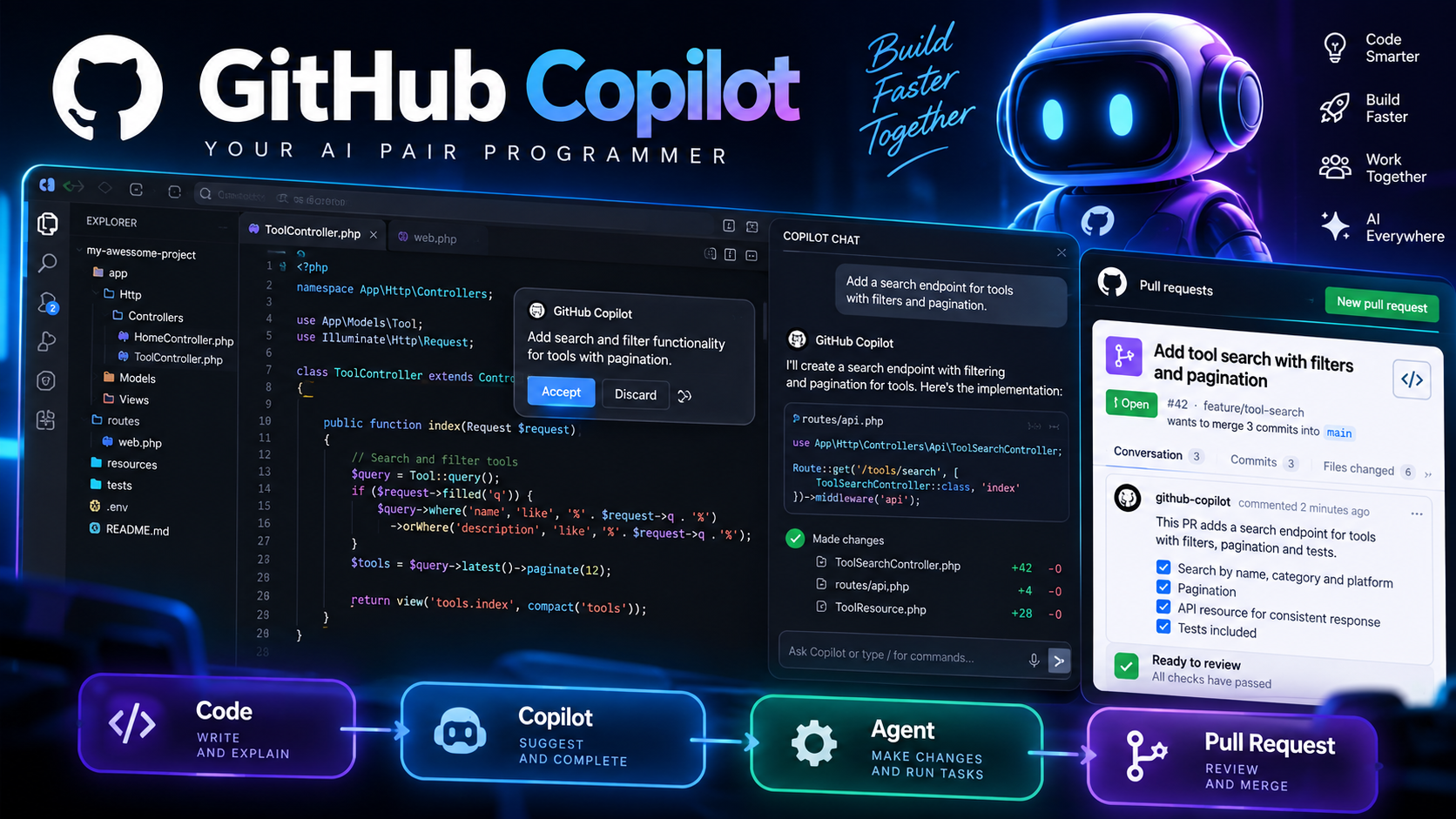
About GitHub Copilot
GitHub Copilot is an AI-powered coding assistant that helps developers write, understand, review, and maintain software throughout the development lifecycle.
GitHub Copilot provides contextual assistance directly inside supported code editors, GitHub, and the command line. It can generate and complete code, explain existing implementations, suggest edits, answer questions about repositories, review code, and perform larger development tasks through AI agents.
What can you do with GitHub Copilot?
GitHub Copilot can assist with writing new code, completing existing code, understanding unfamiliar projects, debugging problems, generating tests, refactoring implementations, and reviewing changes. Developers can interact with Copilot using natural-language instructions or inline suggestions.
AI Code Completion
Copilot provides contextual code completions while developers work in supported editors. Suggestions can range from individual lines to larger blocks of code, helping developers implement functionality while remaining inside their normal development environment.
Copilot Chat
Copilot Chat allows developers to ask questions about code, programming concepts, errors, documentation, and development tasks. It can explain existing code, suggest implementations, and help investigate technical problems using relevant development context.
Agent Mode
Agent mode allows Copilot to work through more complex coding tasks by analyzing a project, proposing changes, editing files, and validating the resulting implementation. This enables developers to delegate multi-step development work to an AI coding agent.
Code Review
GitHub Copilot can review code changes and pull requests, helping identify potential issues and suggesting improvements. Code review capabilities are integrated with GitHub and can also be used in supported development environments.
Cloud Agent
Copilot Cloud Agent can research, plan, and write code in a remote development environment. Developers can assign a task to Copilot and allow the agent to work on the repository, make changes, run development workflows, and create a pull request when appropriate.
Copilot CLI
Copilot CLI brings AI-assisted development into the terminal. Developers can use natural-language instructions to work with repositories, generate and modify code, run commands, and delegate coding tasks to agents directly from the command line.
Multiple AI Models
GitHub Copilot provides access to multiple AI models, allowing developers to use different models depending on the task and available plan. Model selection can be used for coding, reasoning, agent workflows, and other development activities.
GitHub Integration
Because Copilot is integrated into GitHub, it can work with repositories, issues, pull requests, code search, and other parts of the software development workflow. This allows AI assistance to extend beyond the code editor into collaboration and project management.
Supported Development Environments
GitHub Copilot integrates with major development environments including Visual Studio Code, Visual Studio, JetBrains IDEs, Eclipse, and Xcode. It is also available through GitHub.com, GitHub Mobile, GitHub Desktop, and the command line.
Who is GitHub Copilot for?
GitHub Copilot is designed for software developers, engineering teams, technical students, open-source contributors, and organizations that want to integrate AI assistance into their software development workflows.
AI-generated code should be reviewed, tested, and validated before deployment, especially when it affects security, data handling, infrastructure, or production systems.