

Perplexity
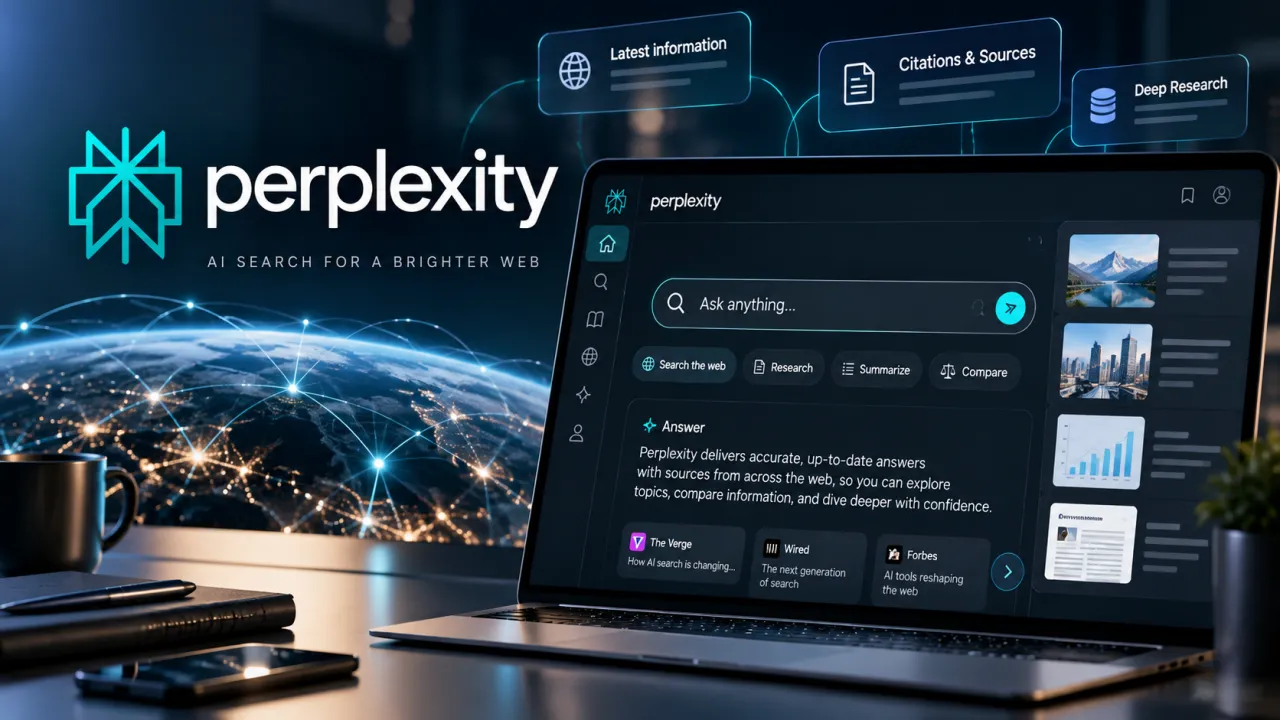
Perplexity is an AI answer engine that searches the web for you and replies in plain language, with clickable sources next to each answer. It suits students, researchers, writers and curious professionals who want a quick, checkable answer instead of a page of links. Ask follow-up questions, upload files to analyze, and use the web, mobile or desktop apps.
Is Perplexity right for you?
Best for: Students, researchers, writers and analysts who want quick, sourced answers to web questions instead of a page of links. It works well for fact-checking, background research and first-pass overviews of unfamiliar topics.
Pros
- Clickable citations next to each answer make claims fast to verify
- Follow-up questions keep context within a thread
- Upload PDFs and images to summarize or question them
- Spaces keep long-running research threads and files together
- Little setup needed; full-sentence questions work right away
Cons
- Can misread sources or overstate claims, so key facts still need checking
- Advanced search and research modes are capped, especially on the free plan
- Users often report usage limits running out faster than expected
- Model choice is limited to paid plans, which some users find expensive
Perplexity is one of the most practical ways to get a readable answer you can actually check. The citations are the point, and they only help if you click them, because the tool can still blend sources or state things more firmly than the pages support. Start on the free plan, and pay only if you keep hitting the limits on the deeper research modes.
About Perplexity
Perplexity is an AI answer engine: you ask a question in normal language, it searches the web, and it writes a short answer with numbered links to the pages it used. It sits somewhere between a search engine and a chatbot, and that middle ground is exactly why so many people keep it open in a tab.
Think of the last time you needed a quick but reliable answer. Maybe it was the difference between two laptop chips, what a new regulation actually changes, or a summary of recent studies on a topic. A normal search gives you ten links and a lot of reading. A plain chatbot gives you a confident paragraph with no clear source. Perplexity tries to give you both: a readable answer and the receipts. It is built for students, researchers, journalists, marketers, analysts and anyone who asks the internet a lot of questions.
How Perplexity turns a question into a sourced answer
The core idea is simple. When you type a question, Perplexity runs live web searches, reads the results and writes an answer that pulls those findings together. Each claim is tagged with a small citation number, and the sources appear right alongside the reply. You can click any of them to see where a statement came from, which makes checking far faster than starting from scratch.
A conversation, not a one-off search
Every answer starts a thread. You can ask follow-up questions like "what about for small businesses?" or "compare that with last year" and Perplexity keeps the context. It also suggests related questions under each answer, which is handy when you are exploring a topic you do not know well yet.
Deeper research modes
For quick facts, the default search is enough. For harder questions, Perplexity offers more thorough modes that run more searches, reason through multi-step problems and produce longer, report-style answers. For example, instead of asking "what is a heat pump?" you can ask for a comparison of heat pump types, typical installation trade-offs and what to ask an installer, and get a structured overview with many sources behind it. Which of these modes you can use, and how often, depends on your plan.
Your own files and images
You are not limited to the open web. You can upload documents such as PDFs and ask questions about them, get a summary, or have Perplexity pull out key points. Images can be added to a question too, for example a screenshot of a chart you want explained.
Organized research and model choice
Threads can be grouped into collections (Perplexity calls them Spaces) so a long-running project keeps its questions and files in one place. Paid users can also pick which underlying AI model writes the answer, which is useful if you prefer one model's writing or reasoning style. Developers can reach Perplexity's search-grounded models through an API.
Getting started in your first ten minutes
- Open the official website or install the app on your phone or desktop. You can ask questions right away, and signing in keeps your history.
- Type a real question you have today, written the way you would ask a well-informed friend. Full sentences work better than keywords.
- Read the answer, then hover or tap on the citation numbers to see the sources. Open one or two to get a feel for how well the answer matches them.
- Ask a follow-up in the same thread to narrow things down, or tap one of the suggested related questions.
- Look around the search box for the option to switch search modes, attach a file or image, and (on paid plans) choose a model.
- If the topic is ongoing, create a Space and move the thread into it so you can come back later.
A real example: preparing for a client meeting
Say you are a freelance consultant with a call tomorrow with a mid-sized bakery chain that wants to cut energy costs. You have an hour to get up to speed. You open Perplexity and type:
I'm meeting a bakery chain with about 12 shops that wants to lower energy bills. What are the most common energy-saving measures for commercial bakeries, roughly how complex are they to implement, and what questions should I ask the owner first?
Perplexity comes back with a structured answer: likely topics such as oven efficiency, heat recovery, refrigeration upgrades, lighting and scheduling, with a short note on how involved each one tends to be, and a list of questions to open the meeting. Each section links to the articles and guides it drew from.
Next, you ask a follow-up: "Which of these usually pay back fastest?" Then you open the three or four most relevant sources to confirm the details you plan to quote. Finally, you upload the client's one-page brief as a PDF and ask Perplexity to highlight which measures fit what they described. You walk into the call with a clear structure and a short list of verified sources, instead of a dozen half-read browser tabs.
More ways people use it
- Students: get a sourced overview of a topic before writing an essay, then follow the citations to find material worth reading in full.
- Writers and content teams: check facts, find recent examples and gather background for an article, keeping the source list for later.
- Shoppers: compare products or services with a question like "which of these three robot vacuums handles pet hair best?" and see which reviews the answer leans on.
- Analysts and founders: do a first pass on a market, a competitor or a new technology, then save the threads in a Space for the rest of the team.
- Travelers: ask about entry rules, local transport or seasonal events and check the official sources it links to.
- Developers: use the API to add search-backed answers to their own products.
Tips for better answers
- Give context: mention who you are, what you need the answer for and how detailed it should be. "Explain for a non-technical manager" changes the result a lot.
- Ask for recent information explicitly: add "as of this year" or "latest updates" when timing matters, then check the dates on the sources.
- Use the deeper modes only when needed: quick facts do not need a long report, and saving the heavier modes helps you stay within usage limits.
- Steer the sources: ask it to focus on official documentation, academic papers or a particular site when that matters for your task.
- Keep threads focused: start a new thread when you switch topics, so earlier context does not muddy new answers.
- Click at least one citation for anything important: it takes seconds and catches most mistakes.
Limits and things to watch out for
Citations make Perplexity easier to trust, but they are not a guarantee. The tool can still misread a source, merge details from different pages or state something more strongly than the source does. For anything you will publish, decide on or send to a client, open the linked pages and check the key claims yourself.
The answer is only as good as what it finds. On niche topics, very new events or subjects covered mostly by low-quality pages, the sources can be thin, and the answer will be too. If the citations look weak, rephrase the question or ask it to look for more authoritative sources.
Usage limits also matter. The more advanced search and research modes are capped, especially on the free plan, so heavy users may run into limits in the middle of a project. Finally, treat it as a research assistant rather than an authority on medical, legal or financial questions, where a qualified professional should have the final word.
What users say about Perplexity
The feature users praise most is the source list: many say that having clickable citations next to every answer is what makes them choose Perplexity over a plain chatbot. People also like how quickly they can start, with almost no setup and no real learning curve for everyday questions. A recurring theme is that answers are generally accurate, which saves time on double-checking, and that the tool handles a wide range of research tasks.
The complaints are consistent too. Users point out that it can still make factual errors or make claims the cited sources do not fully back up, so important facts need verifying. Some find the paid plans expensive for what they add over the free version, and a common frustration is that usage limits on searches and messages can run out faster than expected.
Pricing in plain words
Perplexity has a free plan that covers everyday questions and gives limited access to the more advanced search modes. That is enough for most casual users, and it is the best way to find out whether the tool fits your workflow.
Paid plans raise the usage limits, open up the deeper research modes more often and let you choose between AI models. They make sense if you research daily for work or study and keep hitting the free limits. There are also options for teams and businesses. Current prices and plan details are listed on the official pricing page, so check there before upgrading.
Alternatives worth a look
If you want a general assistant for writing, brainstorming and coding with web search as one feature among many, ChatGPT is the obvious comparison. If you live in Google's ecosystem and want answers alongside your Gmail and Docs, Google Gemini may fit better. For questions that need peer-reviewed research specifically, a scholarly tool such as Consensus, which focuses on academic papers, is a stronger choice than a general web answer engine.
Our take
Perplexity is one of the most practical ways to get a quick, readable answer you can actually check. The citations are the reason to use it, so make a habit of clicking them. Start with the free plan, and upgrade only if the usage limits on the deeper research modes keep getting in your way.
Gallery
Features
Available On
Perplexity FAQ
Is Perplexity free?
Yes. Perplexity has a free plan for everyday questions with limited access to the advanced search modes. Paid plans raise usage limits, open the deeper research modes more often and let you choose the AI model.
What is Perplexity used for?
It is an AI answer engine that searches the web and replies in plain language with numbered sources. People use it for research, fact-checking, product comparisons, topic overviews and analyzing uploaded documents.
Does Perplexity have an API?
Yes. Developers can access Perplexity's search-grounded models through an API to add sourced answers to their own products.
What platforms does Perplexity support?
Perplexity runs in the browser and also offers mobile and desktop apps. Signing in keeps your history across sessions.