
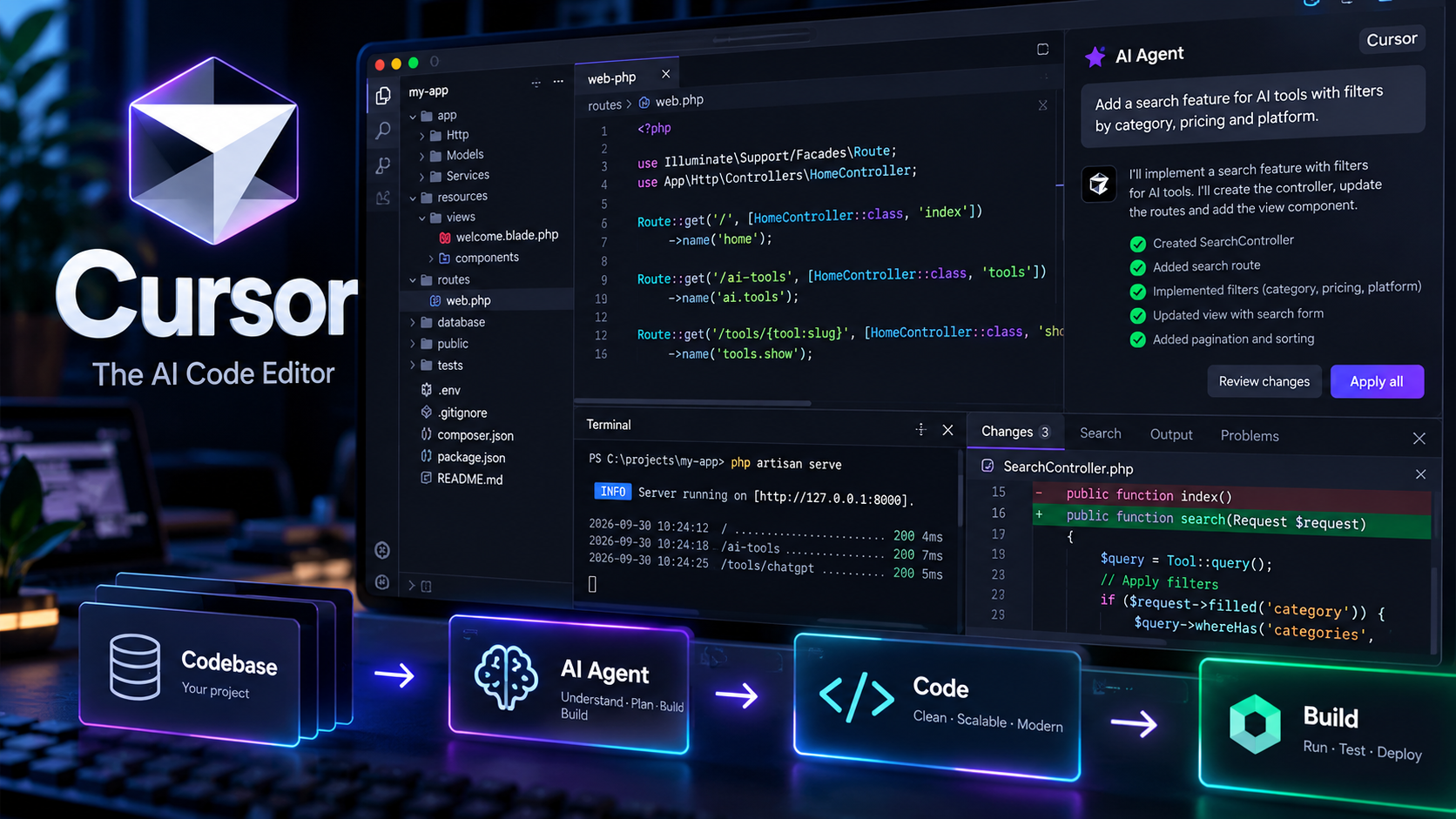
About Cursor
Cursor is an AI-powered code editor and coding agent designed to help developers understand, write, modify, debug, and review software.
Built around an AI-first development workflow, Cursor combines a modern code editor with coding agents, intelligent autocomplete, codebase search, terminal integration, browser tools, and support for multiple AI models. It can work across files and understand the context of an entire codebase when planning and implementing changes.
What can you do with Cursor?
Cursor can help developers write new code, understand existing projects, refactor applications, fix bugs, generate tests, review changes, and implement larger features. Developers can interact with the AI using natural-language instructions directly inside the editor.
AI Coding Agent
Cursor's Agent can analyze a codebase, plan changes, edit multiple files, run commands, execute tests, and iterate on the implementation. This allows developers to delegate larger coding tasks instead of manually editing every file.
Codebase Understanding
Cursor is designed to understand the structure and context of a software project before making changes. It can search through files, trace how different parts of an application work, and use relevant project context when generating or modifying code.
Tab Completion
Cursor Tab provides AI-powered code completion that goes beyond traditional autocomplete. It can suggest multi-line changes, coordinated edits across files, and likely next editing locations based on the developer's current work.
Planning and Code Review
Cursor can be used to plan complex changes before implementation. Developers can review generated diffs, inspect modifications, run checks, and iterate on the implementation before merging changes into a project.
Debugging
Cursor can assist with debugging by analyzing code, reproducing problems, examining errors and execution results, and proposing or implementing fixes. Its development environment can combine code analysis with terminal and other development tools.
Terminal and Development Tools
Cursor provides terminal integration so agents can run commands, install dependencies, build projects, execute tests, and inspect command output. The editor can also work with browser-based workflows and other development tools.
Cloud Agents
Cloud Agents allow coding tasks to run in remote development environments. An agent can work on a repository, modify code, run commands and tests, and return results without requiring the developer's local machine to remain open.
Multiple AI Models
Cursor supports multiple frontier AI models, allowing developers to select different models depending on the task. This makes it possible to combine different reasoning, coding, and generation capabilities within the same development environment.
Integrations and Extensibility
Cursor supports tools and integrations including MCP, plugins, skills, project rules, and connections to services used by development teams. It can also work with platforms such as GitHub, GitLab, Slack, Linear, and other development workflows.
Who is Cursor for?
Cursor is primarily designed for software developers, engineering teams, technical founders, and other professionals who work with source code and want to integrate AI directly into their development workflow.
AI-generated code should be reviewed, tested, and validated before being deployed, particularly when it affects security, data handling, infrastructure, or production systems.