How to Automate Complex Accounting Tasks and Reduce Manual Work
How to Automate Complex Accounting Tasks and Reduce Manual Work
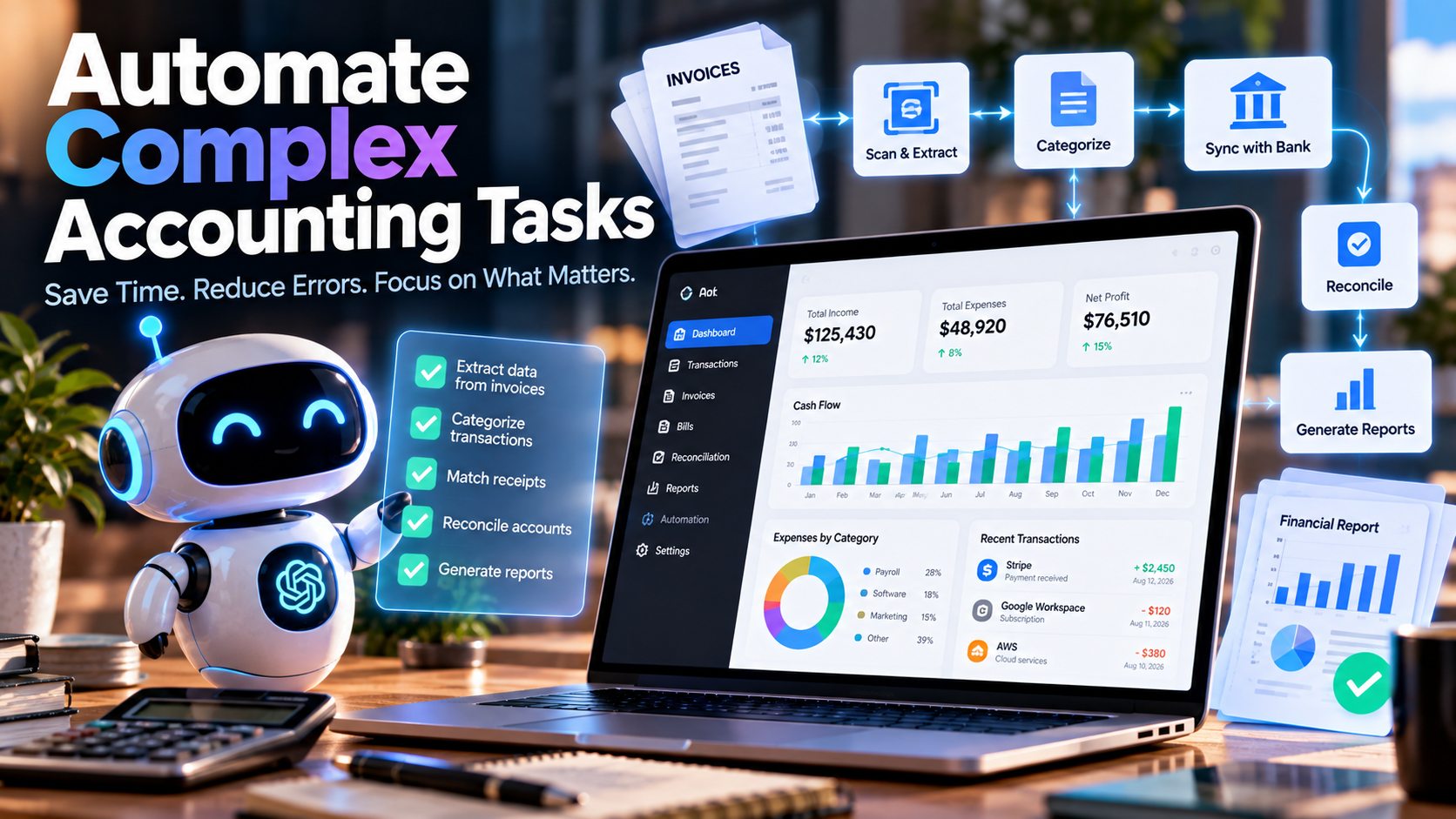
Accounting automation is no longer limited to generating invoices or importing bank transactions. Modern accounting teams can automate reconciliation, recurring journal entries, financial close activities, document processing and data transfers between business systems.
The challenge is knowing which processes should actually be automated. Not every accounting activity benefits from removing human involvement, particularly when a transaction requires professional judgment or involves unusual circumstances.
A better approach is to identify repetitive, high-volume and predictable processes, standardize them and then introduce automation where it can improve efficiency without weakening financial controls.
Why Accounting Automation Matters
Accounting departments often spend significant amounts of time moving information between spreadsheets, financial systems, bank accounts and supporting documents.
Repeating these activities manually increases the amount of administrative work and creates more opportunities for data-entry mistakes, inconsistent calculations and delays.
Automation can shift the role of accountants away from repetitive processing and toward reviewing exceptions, interpreting financial information and making decisions.
The objective should not be to automate accounting as completely as possible. The objective is to automate the right processes while keeping appropriate human controls around important financial decisions.
1. Identify the Processes That Consume the Most Time
The first step is to understand how accounting work is currently performed.
Document the workflow from the moment information enters the accounting process until the final calculation, review, approval and posting are completed.
Look for activities involving:
- Repeated spreadsheet calculations
- Manual transaction entry
- Recurring journal entries
- Large numbers of invoices or receipts
- Frequent reconciliation differences
- Multiple approval stages
- Repeated imports and exports
- Processes that depend heavily on one employee
These areas often provide a clearer opportunity for automation than complex transactions that require significant professional judgment.
2. Automate Invoice and Document Processing
Invoice processing is one of the most common areas where automation can eliminate repetitive data entry.
Instead of manually reading invoices and transferring information into an accounting system, document-processing software can extract fields such as supplier details, invoice numbers, dates, totals and tax amounts.
The extracted information can then be checked against predefined rules before being passed into the next stage of the accounting workflow.
This type of automation is particularly useful when an organization processes a large volume of documents every month.
3. Automate Reconciliation
Account reconciliation is another area where automation can have a substantial impact.
When thousands of bank, payment, payroll or intercompany transactions need to be compared, manually checking every line is inefficient.
Automated reconciliation systems can apply matching rules and identify transactions that appear to correspond. Items that do not match can then be separated for manual investigation.
The important part is the quality of the matching rules. An automation system that produces too many false exceptions can simply replace one manual workload with another.
A practical implementation is to start with a high-volume account where transaction patterns are relatively predictable and measure the percentage of items that can be processed automatically.
4. Improve the Month-End Close
The month-end close involves more than accounting calculations. It is also a coordination process involving deadlines, approvals, reconciliations and supporting documentation.
Close-management software can centralize tasks, assign responsibilities and provide visibility into outstanding activities.
Before introducing automation, create a standardized close checklist. Every activity should have a defined owner, deadline, dependency and review requirement.
Once the process is standardized, automation can be introduced where it removes repetitive coordination or reporting work.
5. Automate Recurring Journal Entries
Predictable journal entries are often suitable for automation because their calculation logic can be defined in advance.
Common examples include:
- Recurring accruals
- Depreciation
- Prepaid expense amortization
- Scheduled allocations
- Recurring adjustments
An automated journal-entry template should define the accounts involved, calculation methodology, supporting documentation, approval process and reversal rules where applicable.
Automation should not eliminate review when the accounting conclusion itself requires professional judgment.
6. Replace Critical Spreadsheets With Controlled Systems
Spreadsheets remain extremely useful for analysis, but they can become problematic when they effectively operate as undocumented accounting systems.
Warning signs include hidden formulas, manual overrides, broken references, duplicated files and calculations that only one employee knows how to maintain.
Review the spreadsheets used repeatedly during the accounting cycle and determine whether they are primarily analytical or operational.
If a workbook repeatedly performs the same calculation and directly affects financial reporting, moving that process into a controlled system may reduce operational risk.
7. Connect Accounting Systems
Automation becomes considerably less effective when employees still have to manually transfer information between disconnected applications.
Map the flow of information between systems such as:
- ERP and general ledger systems
- Banking platforms
- Billing and invoicing software
- Payroll systems
- Procurement platforms
- Expense management applications
- Specialized accounting systems
Look for repeated exports, spreadsheet uploads and manual data transfers. Native integrations, APIs and controlled import processes can often eliminate unnecessary steps.
It is also important to establish which application is the authoritative source for each type of financial information.
8. Use Exception-Based Accounting Workflows
One of the biggest advantages of accounting automation is the ability to focus human attention where it is actually needed.
Instead of requiring accountants to manually inspect every transaction, systems can identify items outside predefined parameters.
Examples include:
- Unusually large transactions
- Unmatched payments
- Missing supporting documentation
- Overdue reconciliations
- Unexpected changes in account balances
- Transactions outside established thresholds
Routine transactions can follow the automated workflow while exceptions are routed to an accountant for investigation.
9. Consider Specialized Accounting Software
Not every accounting problem should be solved with the same type of software. Specialized tools can be useful when the underlying calculations or workflows are particularly complex.
Technical accounting platforms can assist with areas such as lease accounting, fixed assets, debt schedules and other recurring calculations. Reconciliation platforms focus on matching financial records, while close-management systems concentrate on coordinating month-end activities.
For example, FinQuery is positioned around technical accounting workflows, while BlackLine focuses on reconciliation and financial close processes, and FloQast provides tools for close management. These products illustrate why the software should be selected according to the specific accounting problem rather than the number of features offered.
10. Test Automation With Real Scenarios
A polished product demonstration does not necessarily show how a system will perform in your actual accounting environment.
Use realistic examples during the evaluation process.
A reconciliation system should be tested with both straightforward matches and difficult exceptions. A technical accounting platform should be tested with normal transactions as well as modifications and unusual scenarios.
Ask whether the resulting calculations can be understood, reviewed and traced back to their source information.
The most important question is not simply whether the software can perform the task, but whether it can perform it without introducing another layer of administrative work.
11. Measure the Results
Accounting automation should produce measurable improvements.
Before implementing a new workflow, establish a baseline so that the results can be compared afterward.
Useful measurements include:
- Time required to complete the month-end close
- Number of manual journal entries
- Reconciliation processing time
- Number of unresolved exceptions
- Hours spent maintaining spreadsheets
- Audit adjustments
- Manual review time
- Time required to prepare recurring schedules
If the accounting team is still spending approximately the same amount of time working around the new system, the problem may be the workflow or configuration rather than the concept of automation itself.
12. Keep Human Oversight Where It Matters
Automation should reduce repetitive work, not remove accountability from important accounting decisions.
Material estimates, impairment assessments, unusual contracts and transactions that require significant professional judgment should receive appropriate human review.
The strongest accounting workflows combine automated processing for predictable activities with clear review procedures for exceptions and high-risk decisions.
How to Decide What to Automate First
A useful starting point is to create a simple matrix for the accounting processes currently performed by your team.
| Process | Volume | Repetition | Judgment Required | Automation Potential |
|---|---|---|---|---|
| Invoice processing | High | High | Low to Medium | High |
| Bank reconciliation | High | High | Low to Medium | High |
| Recurring journal entries | Medium | High | Low | High |
| Month-end coordination | Medium | High | Medium | Medium to High |
| Complex estimates | Low | Low | High | Low |
This type of analysis helps prioritize automation based on the combination of workload, repetition and risk rather than simply automating the most visible task.
Build Automation Around the Accounting Process
Successful accounting automation starts with process design rather than software. Automating an inconsistent workflow can make problems harder to identify and may simply move manual work from one part of the process to another.
Start by documenting the workflow, removing unnecessary steps and defining clear controls. Once the process is stable, introduce automation for repetitive calculations, transaction matching, approvals, document processing and data transfers.
Final Thoughts
Complex accounting automation does not require replacing the accounting team with software. The practical goal is to reduce repetitive processing so accountants can spend more time reviewing exceptions, understanding financial results and making informed decisions.
The best place to begin is usually the process that combines high volume, repetitive work and predictable rules. From there, organizations can gradually expand automation while measuring efficiency, accuracy and control.
The result should be an accounting environment where routine transactions move efficiently, unusual items receive human attention and every important financial result remains traceable and reviewable.