15 Software Comparison Platforms to Find the Right Alternative in 2026
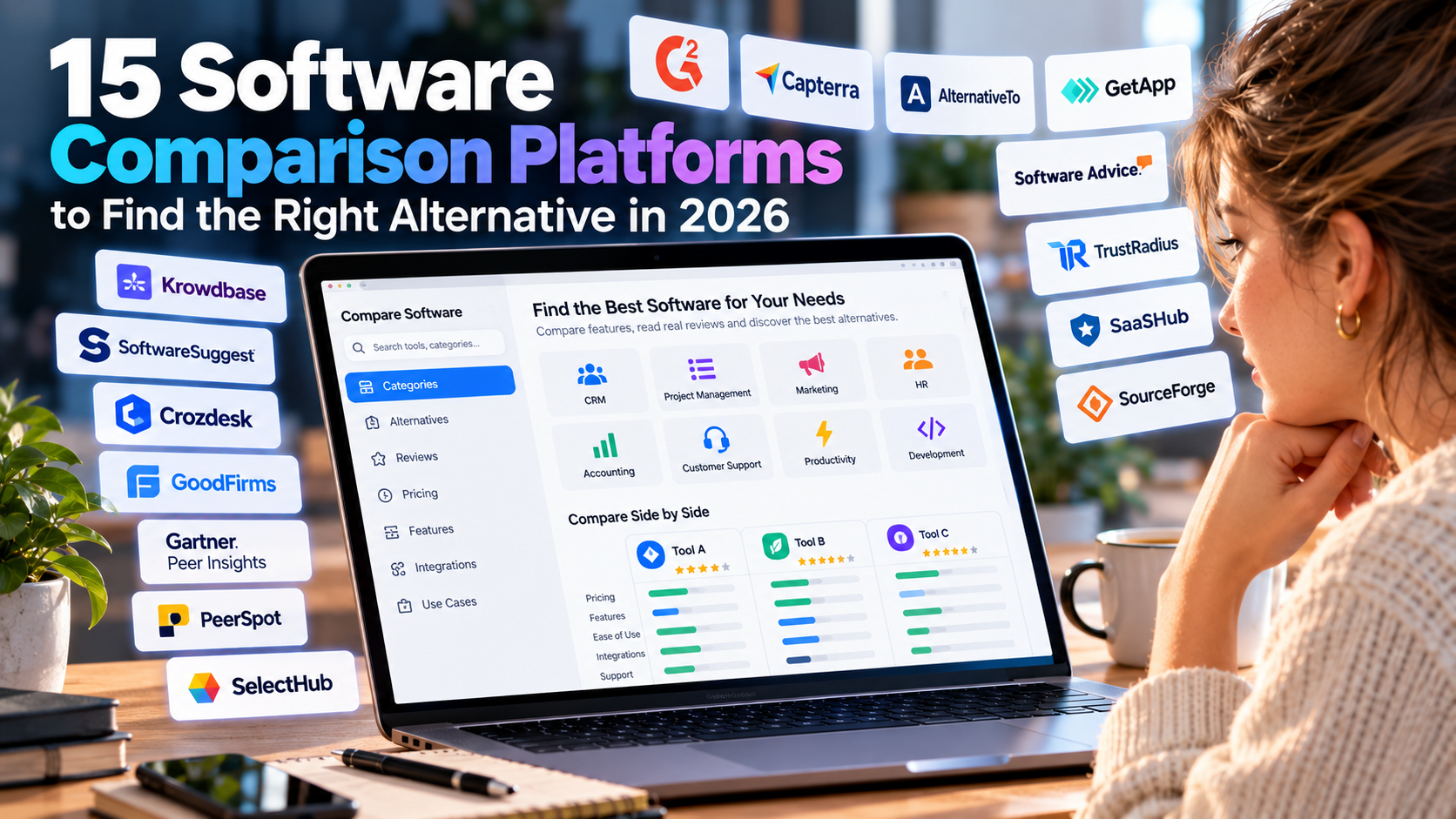
15 Software Comparison Platforms to Find the Right Alternative in 2026
Choosing business software is rarely as simple as finding a product with the right feature list. The real challenge is determining whether a tool fits your workflow, budget, team size, technical environment and long-term requirements.
Software comparison platforms can make this process easier by bringing product information, user reviews, alternatives, pricing details and category research into one place. They can also help uncover products that may not appear in a typical Google search.
In this guide, we look at 15 platforms that can help businesses and individuals research software alternatives, compare competing products and create a more focused shortlist before starting trials or contacting vendors.
Why Software Comparison Platforms Matter
The software market has become extremely crowded. For almost every business problem, there are dozens of applications offering similar functionality.
A CRM search, for example, can quickly produce hundreds of results. Project management, accounting, HR, marketing, cybersecurity and collaboration tools are no different.
The problem is not finding software. It is filtering the available options without wasting time on products that do not match your actual requirements.
Comparison platforms can provide a useful starting point by allowing you to examine multiple products before investing time in demonstrations, trials or implementation planning.
15 Platforms for Comparing Software and Alternatives
The platforms below serve different purposes. Some concentrate on customer reviews, others specialize in alternatives, enterprise technology, SaaS discovery or structured software selection.
The order below is not intended as a ranking. The right platform depends on what you are trying to discover and how far along you are in the buying process.
1. Krowdbase
Best for: Discovering business software by category and exploring alternatives.
Krowdbase is a software and services discovery platform covering categories such as CRM, accounting, project management, HR, inventory management and customer support. It can be useful when you know the business problem you want to solve but have not yet selected a specific product.
Its category-based approach allows users to explore different products before narrowing the search to a smaller group of candidates. The platform also provides an alternatives section for users who already have a particular application in mind.
A practical approach is to identify the required capabilities first and then use the directory to create a shortlist of three to five products for further investigation.
2. G2
Best for: Customer reviews and side-by-side business software research.
G2 is one of the major software research platforms, combining product listings, customer reviews, category information and comparison tools.
Its review database can be particularly useful when you want to understand how a product performs in everyday business situations rather than relying exclusively on vendor-provided feature descriptions.
When using G2, pay attention to the context behind reviews. A product used by a small agency may create a very different experience from the same product deployed across a large enterprise.
3. Capterra
Best for: Comparing business software by features, pricing and reviews.
Capterra provides structured software research across a wide range of business categories. Users can explore products, compare capabilities and examine customer feedback.
It can be useful when you know the type of software you need but have not yet decided which vendors deserve a closer look.
Pricing should be examined carefully. A feature may be available in the product but restricted to a higher subscription tier. Always verify the actual plan required for your use case before treating a feature comparison as conclusive.
4. AlternativeTo
Best for: Finding replacements for an application you already use.
AlternativeTo approaches software discovery from a different direction. Instead of starting with a category, users can begin with an existing application and explore alternatives suggested by the community.
This is particularly useful when you are looking for a replacement because of pricing, licensing, operating system compatibility, missing functionality or changes to an existing workflow.
AlternativeTo also includes free, open-source and community-recommended options, which can expand the search beyond conventional commercial SaaS products.
5. GetApp
Best for: Researching business applications and practical user experiences.
GetApp combines software discovery with reviews, comparisons and product information. It can help businesses investigate how applications perform in areas such as usability and overall value.
This can be important because a product may look excellent on a feature checklist but still create unnecessary friction for employees.
When evaluating a product, connect reviews to real workflows. Consider the tasks your employees perform every day and investigate whether users report difficulties with those same activities.
6. Software Advice
Best for: Getting help building a software shortlist.
Software Advice combines software research with guidance designed to help buyers identify products that match their requirements.
This can be useful when the business understands its problem but is uncertain about which software category or type of solution is appropriate.
Before requesting recommendations, define the basics: company size, number of users, essential capabilities, required integrations, budget constraints and implementation timeframe. More precise requirements generally produce a more useful starting list.
7. TrustRadius
Best for: Detailed customer experiences with business technology.
TrustRadius focuses heavily on software reviews and product comparisons. Its content can be valuable when a software purchase affects multiple teams or requires a significant implementation effort.
Instead of looking only for overall ratings, examine recurring comments about administration, reporting, implementation, integrations, support and everyday usability.
Reviews should be treated as evidence to investigate rather than as a substitute for testing the product yourself.
8. SaaSHub
Best for: Discovering SaaS products and less obvious alternatives.
SaaSHub focuses on software discovery, SaaS products and alternatives. It can be particularly useful when an initial shortlist contains only the most familiar names and you want to broaden the search.
The platform can help identify products that take a narrower or more specialized approach to a particular problem.
Once alternatives have been discovered, evaluate whether they genuinely solve the same core problem and whether they provide the integrations, support and reliability your organization requires.
9. SourceForge
Best for: Comparing commercial software and discovering open-source projects.
SourceForge combines software discovery and comparison resources with a large ecosystem of open-source projects.
This makes it useful when the choice is not simply between competing SaaS products. Some organizations may also consider self-hosted or open-source solutions when control, customization or deployment flexibility are important.
Remember to include operational costs in the comparison. Self-hosted software may reduce licensing expenses while increasing the responsibility for hosting, backups, updates, security and maintenance.
10. SoftwareSuggest
Best for: Exploring business software and receiving product recommendations.
SoftwareSuggest provides software listings, customer reviews and recommendation tools across a variety of business categories.
It can be useful when several applications appear to offer similar functionality and you need another source of information before creating a shortlist.
Business context matters. Company size, geographic location, regulatory requirements, integrations and existing workflows can all change whether a particular application is appropriate.
11. Crozdesk
Best for: Exploring business software categories and potential candidates.
Crozdesk organizes business applications into categories and provides product information, reviews and comparison-oriented data.
It can be helpful when you know the business function you need to improve but have not yet identified the products that should be investigated.
Ratings and scores can help with discovery, but they should not replace requirement matching. A highly visible product may still lack an integration or workflow that is essential to your organization.
12. GoodFirms
Best for: Researching software together with implementation and service providers.
GoodFirms covers software products as well as technology and service providers. This can be useful for organizations that need more than an application and may require configuration, migration, integration or development assistance.
For example, replacing a CRM may involve two separate decisions: selecting the CRM itself and finding a partner capable of migrating existing customer data and configuring the new system.
Evaluate those two decisions independently. A strong implementation partner does not compensate for software that fails to meet the underlying business requirements.
13. Gartner Peer Insights
Best for: Enterprise technology research and peer feedback.
Gartner Peer Insights provides customer reviews and ratings focused on enterprise technology products and services.
Enterprise software decisions often involve more than features and interface design. Integration, deployment, administration, scalability and vendor support can become major factors in the project.
When reading enterprise reviews, consider the reviewer's environment. Company size, technical architecture and deployment model can have a significant impact on the relevance of individual experiences.
14. PeerSpot
Best for: IT, cybersecurity, cloud and infrastructure software research.
PeerSpot focuses on enterprise technology reviews and comparisons, with strong coverage of areas such as cybersecurity, cloud computing, data management and IT infrastructure.
It can be particularly useful when the evaluation involves technical teams that need to understand deployment requirements, integrations, administration and operational trade-offs.
For technical purchases, involve the people who will actually operate the system. Their questions can expose practical limitations that are easy to miss during a high-level procurement process.
15. SelectHub
Best for: Structured software selection and requirements-based evaluation.
SelectHub provides tools and resources for comparing software against defined requirements. Its approach is particularly relevant when multiple stakeholders need to participate in a formal purchasing process.
Finance, IT, management and daily users may all have different priorities. A structured requirements process makes those differences visible before vendors are evaluated.
It can also support scorecards and formal vendor evaluation processes, helping teams apply the same criteria to every candidate.
How to Choose Between Software Alternatives
Finding comparison websites is only the first step. The quality of your final decision depends largely on how you evaluate the products discovered through them.
1. Start With the Problem, Not the Product
Before searching for software, describe the problem you are trying to solve.
Instead of saying that you need a better project management platform, define the specific issue: perhaps managers cannot see delayed tasks across multiple projects, or employees spend too much time manually preparing status reports.
A clearly defined problem makes software comparisons considerably more useful.
2. Define Your Non-Negotiable Requirements
Separate essential requirements from optional features.
An essential requirement should have a clear business consequence if it is missing. For example, a mandatory accounting integration may be critical because employees would otherwise have to duplicate financial data manually.
Optional features can help differentiate shortlisted products, but they should not outweigh a fundamental requirement.
3. Compare Equivalent Plans
One of the easiest ways to create a misleading comparison is to evaluate different subscription levels as if they were equivalent.
For every candidate, record:
- Required subscription plan
- Number of users included
- Usage limits
- Essential features included
- Required integrations
- Support options
- Implementation or onboarding costs
- Additional paid modules or add-ons
- Data export and cancellation options
4. Look for Patterns in Reviews
Do not let a single five-star review or one negative comment determine your conclusion.
Instead, look for repeated observations from users operating in environments similar to yours.
If multiple customers mention difficulties with reporting, ask the vendor to demonstrate the reporting workflow. If users repeatedly mention easy onboarding, investigate what training or support was available.
5. Test Real Workflows
A product demonstration can look impressive while still failing to address the tasks your employees perform every day.
Give every finalist the same practical scenarios.
For example, when evaluating a document management system, test uploading a file, finding an older version, sharing it, requesting approval and changing permissions.
When evaluating a website builder, test creating a page, editing it on mobile, publishing it and handing the project to another team member.
Consistent testing makes the comparison much more meaningful.
6. Consider the Total Cost of Ownership
Software pricing is rarely limited to the monthly or annual subscription.
Your actual cost may also include implementation, migration, training, premium integrations, additional users, support and ongoing administration.
Open-source or self-hosted software requires the same analysis. A lower license cost can be offset by infrastructure, maintenance and specialist technical requirements.
7. Think About Migration and Exit Options
A software decision should also consider what happens if you eventually leave the platform.
Check whether your data can be exported, which formats are available, whether historical records can be preserved and whether the vendor imposes restrictions on migration.
A product can be an excellent fit today while still creating unnecessary dependency if leaving it becomes difficult later.
Build a Shortlist You Can Explain
After researching several platforms, reduce the options to a manageable shortlist. Three to five serious candidates are usually easier to evaluate than dozens of possibilities.
For every finalist, document four things:
- Why the product meets the core requirement
- Which compromises your team would accept
- Which questions remain unanswered
- What evidence supports keeping it on the shortlist
This creates a more transparent selection process and makes it easier to explain the final decision to other stakeholders.
Software Comparison Is About More Than Ratings
Comparison websites are valuable research tools, but no rating system can determine whether a product will work in your particular environment.
Reviews, pricing information, feature lists and alternative suggestions are useful pieces of evidence. The final evaluation should combine those sources with your own requirements, real-world testing and an understanding of the total cost of ownership.
The most effective approach is therefore not to search for the highest-rated product, but to identify the software that can demonstrate a strong fit with the specific problem you are trying to solve.
Final Thoughts
Software comparison platforms can dramatically reduce the amount of time required to explore a crowded technology market. Whether you are replacing an existing application, searching for your first business platform or evaluating enterprise technology, these resources can help you discover products that deserve a closer look.
Start with a clearly defined requirement, use multiple sources to expand your research, compare equivalent plans and test real workflows before committing.
The goal is not to find the software with the most features. It is to find a solution that your organization can actually use, afford, integrate and maintain over time.