
Nano Banana Pro
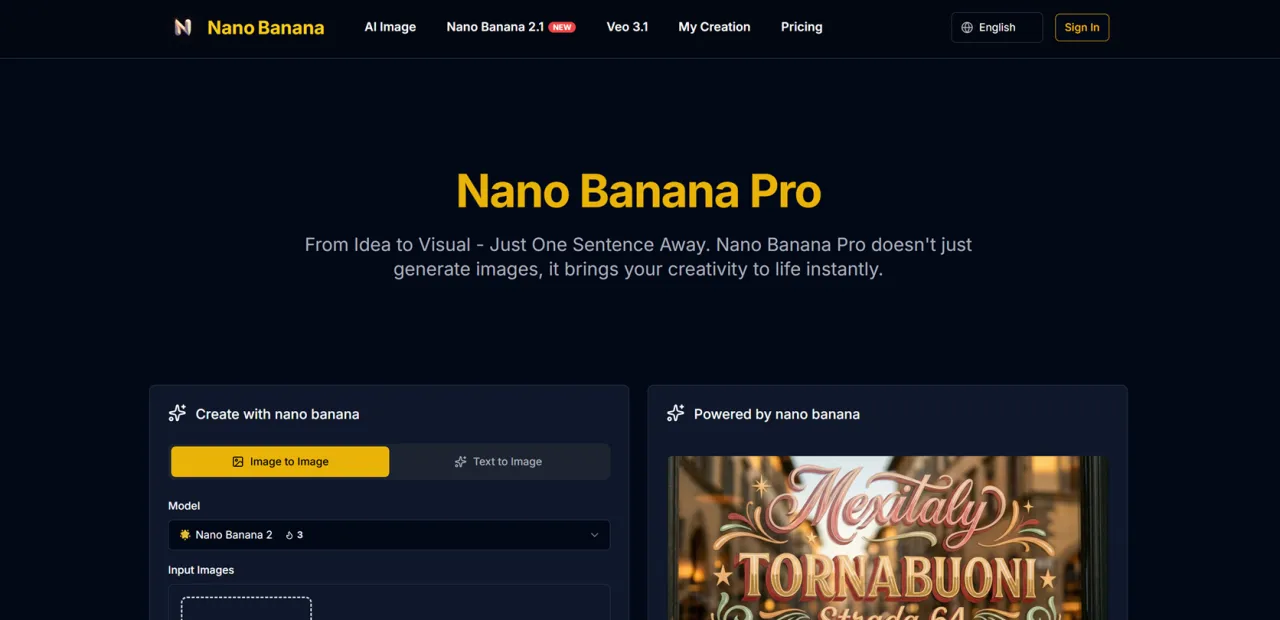
Nano Banana Pro (banana-nano.pro) is an independent web app, not affiliated with Google, that gives you access to Google's Nano Banana Pro image model (Gemini 3 Pro Image). You can create images from plain-language prompts, edit specific parts of a photo, combine several reference images, keep characters and brand style consistent, render readable text and export up to 4K. Built for marketers, small businesses and creators who need product shots, posters and social visuals.
Is Nano Banana Pro right for you?
Best for: Marketers, online sellers and small businesses that need product scenes, posters with readable text and consistent brand or mascot imagery. It suits people who want a simple browser interface for Google's Nano Banana Pro model (Gemini 3 Pro Image) without writing complex prompts.
Pros
- Plain-language prompts work without prompt-engineering tricks
- Local edits, like changing a sky, require no manual masking
- Combines 14+ reference images while keeping characters and branding consistent
- Renders readable text in multiple languages for posters and packaging
- Output up to 4K with no watermarks on paid plans
Cons
- We want readers to know this is an independent reseller, not a Google product or affiliate
- No free plan appears in the published pricing
- All plans are billed annually, which means a larger upfront commitment
- Monthly credits cap output at roughly 50, 150 or 400 images per plan
Nano Banana Pro wraps a capable image model in a clean, approachable interface. Mask-free editing, multi-image fusion and legible text are the parts that make it useful for real marketing work. Our main caveat is the source: this is an independent service reselling access to Google's model, so we'd read its terms and privacy policy before uploading client files, and annual-only billing means you should be confident it fits your workflow. If you want this model with simple credit bundles, the Starter plan is an inexpensive way in. If you only need occasional images, try Google's own Gemini app first.
About Nano Banana Pro
Nano Banana Pro, at banana-nano.pro, is a browser app where you type what you want, optionally add a few reference images, and get back a finished picture from Google's Nano Banana Pro model (also known as Gemini 3 Pro Image). One thing to know first: this is an independent service that resells access to that model. It is not a Google product and isn't affiliated with Google.
The problem it solves is familiar. You have a product photo, a deadline and no designer. You need a lifestyle scene, a poster with a headline that's actually spelled right, or a dozen images where your mascot looks the same every time. This site wraps a capable model in a simple interface and a monthly credit plan, so you can work in plain English instead of learning prompt tricks.
What you can actually do with it
Generate from a sentence
The core is text-to-image. You describe a scene in normal language and the model works out the context. The site's own example is "place this product in a Nordic-style living room": it identifies the product, builds a fitting room around it and keeps the product details intact. Generation takes roughly 10 to 60 seconds, according to the site.
Edit only the part you mean
Local editing is one of the more useful features here. Ask it to "change the sky to sunset" and, in principle, only the sky changes. The foreground stays put and you don't draw any masks. That makes it handy for quick fixes to an existing photo without starting over.
Mix several images into one
Multi-image fusion lets you combine a product shot, a scene image and a style reference into a single composition. The site advertises consistent output across 14+ image inputs. That matters if you are building a series: you can create a brand mascot once and keep its face and style the same across different scenes.
Borrow a style
Style transfer pulls the look from one image, such as colors, textures and mood, and applies it to new generations. Upload your brand visual identity and new images should lean toward the same palette and feel.
Text that reads like text
Many image models still garble lettering. Nano Banana Pro is known for rendering clear, readable text inside images, and the site highlights support for multiple languages and fonts. The showcase includes localized text, infographics, posters, logos and packaging. Output goes up to 4K, and the homepage also mentions upscaling.
Your first session, step by step
- Pick a plan and sign in. Access is through a paid subscription that gives you monthly credits. Paid plans list no ads and no watermarks.
- Choose your mode. Start from text only, or switch to working from an image if you want to edit or combine pictures.
- Upload references (optional). Add a product photo, a portrait or a style reference. This is where most of the control comes from.
- Describe what you want. Write it the way you'd brief a person: subject, setting, mood, and any exact text that has to appear.
- Generate and review. Wait the 10 to 60 seconds, check details such as text, hands and logos, then refine with a short follow-up instruction instead of rewriting the whole prompt.
- Set resolution and aspect ratio before your final run. Save the high-resolution output for the version you plan to use, so you don't spend credits on drafts.
A real example: a coffee roaster's launch poster
Imagine a small coffee roaster launching a new single-origin bag. They have one plain photo of the bag on a white table and need a poster for the shop window plus a square version for Instagram.
They upload the bag photo, add a second image of a warm, sunlit café as a style reference, and type:
Place this coffee bag on a rustic wooden counter in a sunlit café, morning light, steam rising from a ceramic cup beside it. Keep the bag's label exactly as it is. Add the headline "Ethiopia Guji, Now Roasting" in a clean serif font across the top. Warm, earthy colors like the reference image.
What comes back is a scene built around their real product, with the headline rendered as text. They check that the label wasn't altered and the headline is spelled correctly. Then they run a local edit, "make the cup white instead of blue," without touching anything else. Finally they produce a tall version for the window and a square one for social. Total effort is a few prompts instead of a photo shoot.
More ways people can put it to work
- Online sellers: Turn plain packshots into lifestyle scenes for product pages, keeping the product itself recognizable.
- Social media managers: Build a recurring mascot or character and drop it into new scenes each week without it drifting off-model.
- Local businesses with international customers: Make the same flyer with text in different languages, using the multilingual text rendering.
- Marketers and educators: Generate simple infographics or explainer visuals where the labels have to be legible.
- Photographers and hobbyists: Retouch a single element of a shot, such as the sky, the background or an object's color, with a plain instruction.
- Artists: Explore styles by feeding in reference artwork and riffing on it, or try the miniature-world look the model has become popular for.
Tips for better results
- Put exact text in quotation marks and name the font style you want. It's much easier for the model to reproduce wording you've spelled out than wording it has to guess.
- Say what must not change. Phrases like "keep the label exactly as it is" or "don't change the face" help when you're editing or combining images.
- Use references instead of long descriptions. One good style image often beats a paragraph of adjectives about color and mood.
- Iterate with small edits. Once you have a near-final image, ask for one change at a time rather than regenerating from scratch and losing what worked.
- Draft small, finish big. Explore ideas at lower resolution and switch to 2K or 4K only for the keeper, so your credits last.
- Keep a reference set for series work. Save the mascot or product images you used so every new image in a campaign starts from the same inputs.
Limits and things to watch out for
The biggest point is who you're dealing with. This is a third-party site offering Google's model, not Google itself. Before uploading client work, personal photos or anything sensitive, read the provider's terms, privacy policy and refund policy. The site has an FAQ on commercial use, so check the current wording there before running generated images in ads or on packaging.
You can pay monthly or annually. The annual option halves the price but means paying a year upfront, so try a month first if you're not sure the tool fits your workflow. The credit allowance also caps your volume: 50, 150 or 400 images a month, depending on the plan. Heavy iteration eats into that quickly.
As with any image model, check the output. "Change only what you want" is the goal, not a guarantee. Look closely at product labels, fine text, hands and logos before publishing, and expect to regenerate now and then. Realistic portraits of real people raise their own ethical and legal questions, so use them carefully.
Pricing in plain words
The site offers three subscription plans with monthly credits, billed monthly or annually (annual billing is 50% off). There is no free plan in the published pricing.
- Starter: 1,000 credits a month, up to about 50 images. It includes premium quality, priority processing, no ads, no watermarks and email support. It has been advertised at $58.80 a year, or about $4.90 a month billed annually. That's enough for occasional product shots or testing the waters.
- Pro: 3,000 credits a month, up to about 150 images. It's pitched at content creators and small businesses producing visuals every week.
- Ultra: 8,000 credits a month, up to about 400 images, plus priority support. It's for high-volume users and small teams.
Prices can change, so confirm current rates and terms on the official website's pricing page before you commit.
Alternatives worth a look
If you mainly want Google's image model and don't need this site's interface or credit bundles, go to the source. Gemini is Google's own assistant and offers image generation and editing directly. Developers and tinkerers can try Google AI Studio, Google's browser workspace for building with and testing Gemini models.
If readable typography is your top priority and you'd like a different model's style, Ideogram is a strong pick for posters and graphics with text. For more painterly, art-directed imagery, Midjourney remains a popular choice.
Our take
Nano Banana Pro gives you a straightforward way to use one of the most capable image models around for product scenes, consistent characters, precise edits and posters with real text. Just remember it's an independent reseller, not Google, and the lowest prices require paying for a full year. If that suits you, the Starter plan is a sensible way in. If not, try Google's own apps first.
Features
Available On
Nano Banana Pro FAQ
Is Nano Banana Pro affiliated with Google?
No. banana-nano.pro is an independent web service that provides access to Google's Nano Banana Pro image model, also known as Gemini 3 Pro Image. It is not a Google product.
Is Nano Banana Pro free?
The published pricing does not include a free plan. There are three subscriptions, Starter, Pro and Ultra, all billed annually, with Starter listed from about $4.90 per month.
How many images can I create per month?
Starter includes 1,000 credits, or up to 50 images, per month. Pro includes 3,000 credits for up to 150 images, and Ultra includes 8,000 credits for up to 400 images, plus priority support.
What is Nano Banana Pro used for?
It is used to generate images from text, edit parts of existing photos, combine several reference images and transfer styles. Common jobs include product lifestyle shots, posters, infographics and consistent brand characters. The site says each image takes about 10 to 60 seconds to generate.