ChatGPT Can Now Edit Google Drive Files Directly From Your Conversation
OpenAI's Google Drive integration lets eligible ChatGPT users work with Docs, Sheets and Slides directly from a conversation, reducing the need for copy-and-paste workflows.
ChatGPT Can Now Edit Google Drive Files Directly From Your Conversation
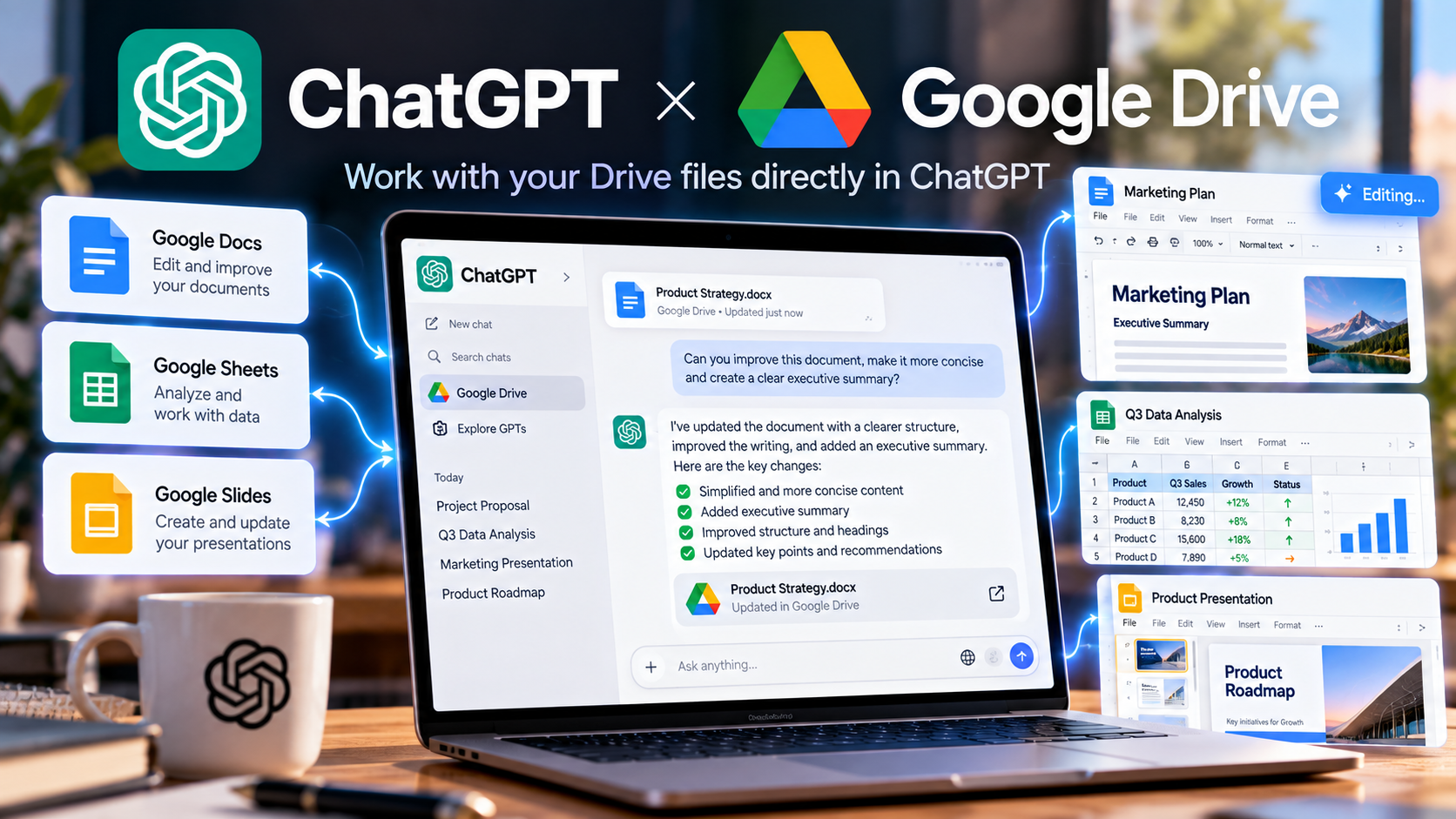
OpenAI has expanded ChatGPT's integration with Google Drive, allowing eligible users to work with Google Docs, Sheets and Slides directly from a ChatGPT conversation. Instead of switching between applications and copying content back and forth, users can work with supported Drive files while staying inside the chat.
Work With Google Drive Without Leaving ChatGPT
The new integration changes how users can interact with documents stored in Google Drive. Supported files can be opened alongside a ChatGPT conversation, allowing the AI assistant to work with their contents while the user continues communicating through the chat interface.
This removes several steps from traditional AI-assisted workflows. Instead of opening a document, copying its contents into an AI assistant, generating a revised version and then copying the result back, users can ask ChatGPT to work with the connected file directly.
ChatGPT Can Modify the Original File
One of the most significant aspects of the integration is the ability, where supported and authorized, to update the original file stored in Google Drive rather than creating a separate copy.
This means a user could ask ChatGPT to revise a proposal, reorganize information in a spreadsheet or make changes to a presentation while working from the same conversation.
The feature is designed to reduce the friction between asking an AI assistant to make changes and applying those changes to the actual work product.
Google Docs, Sheets and Slides
The integration covers three of the most widely used Google Workspace applications: Docs, Sheets and Slides.
- Google Docs: revise, rewrite and work with documents.
- Google Sheets: work with structured data and spreadsheets.
- Google Slides: work with presentation content.
The exact actions available can depend on the connected account, permissions and support for the particular workflow.
A Different Way to Work With AI
Traditionally, AI assistants have operated as separate tools from the applications where the user's work actually lives. That often creates a repetitive workflow: open a document, copy information into the AI, process it and then transfer the result back to the original application.
Connecting ChatGPT directly to Drive changes that workflow. The conversation becomes the place where the user can describe what needs to be done while the connected document remains part of the working environment.
Useful for Everyday Productivity
The integration can be useful for a variety of common tasks. For example, users can work with a draft proposal, reorganize information in a spreadsheet or refine content in a presentation without repeatedly moving information between applications.
This can be particularly useful for repetitive editing and document preparation, where the AI can assist with the transformation while the source file remains in its existing location.
Permissions Still Matter
Direct access to files does not remove the permission system surrounding Google Drive. ChatGPT can only work with connected content that the user is authorized to access, and the available actions depend on the integration and account configuration.
Users should also review changes before relying on them for important documents, particularly when an AI assistant is allowed to modify the original source file.
Available to Supported Paid Plans
When the feature was announced in August 2026, OpenAI made the Drive workflow available on the web for supported Plus, Pro, Business, Enterprise and Edu users. Mobile availability was announced as a later rollout.
Availability and supported capabilities can vary depending on the user's plan, account permissions and the specific Google Workspace integration.
From AI Assistant to Workspace Tool
The Google Drive integration illustrates a broader direction for AI assistants: working directly inside the applications and data sources people already use.
Instead of treating ChatGPT as a separate destination for questions and generated content, connected applications allow the assistant to become part of the user's existing workflow.
For Google Drive users, the practical benefit is a simpler path between conversation, document editing and the final working file.